
Article · Apple Ads
Apple Ads without the fluffcapturing App Store demand
A practical guide to high-intent App Store traffic, campaign structure and the numbers that matter after install.
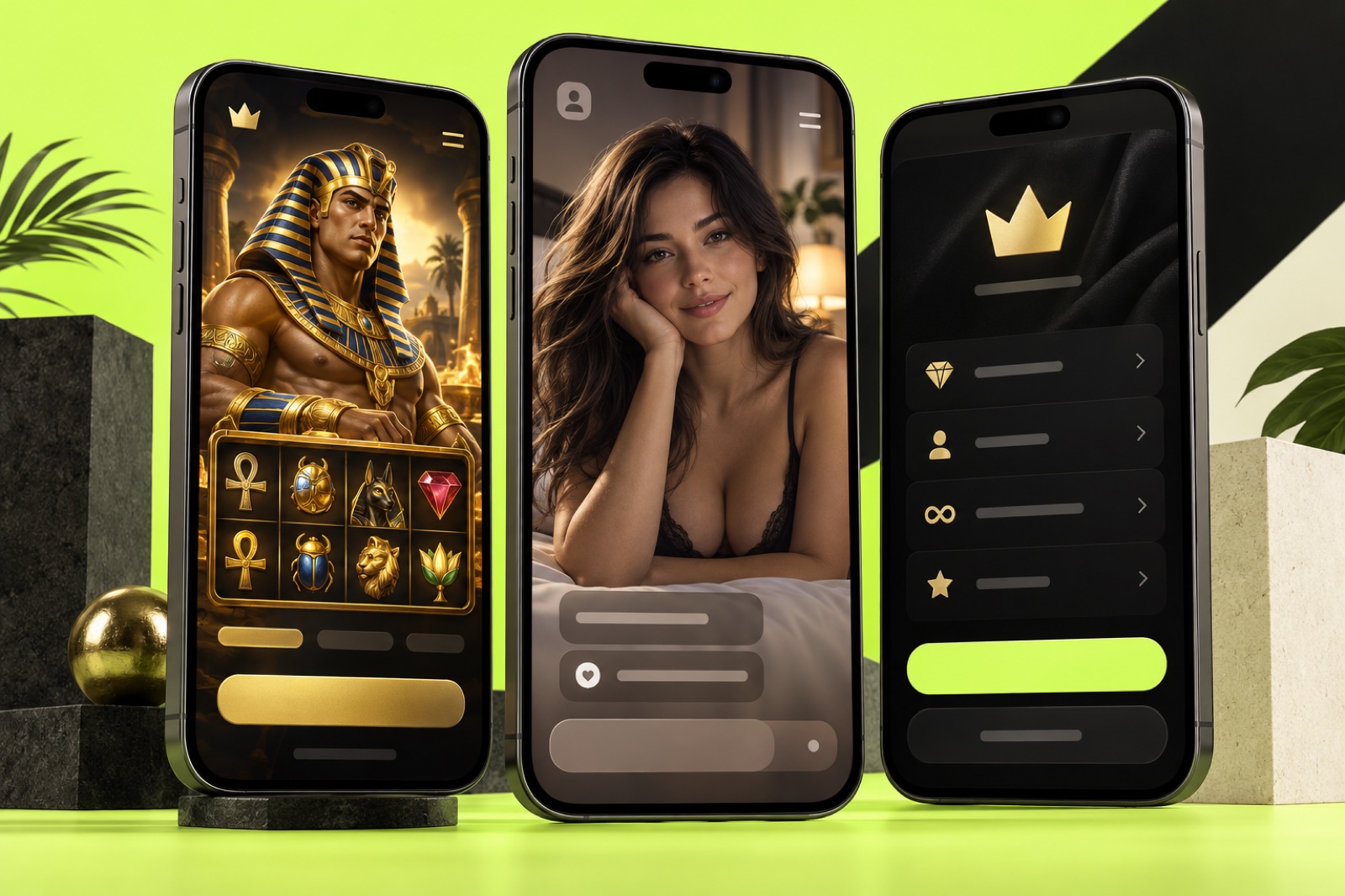
Apple Ads brings traffic from inside the App Store. People are already looking for an app, so the warm-up is shorter: match the query, present the product clearly and do not lose sight of what happens after install.
We treat ASA as its own iOS acquisition channel. First we capture high-intent demand; then we check who reaches the event that matters — FTD, trial, subscription or purchase. Here is the working setup without the textbook language.
Where we capture demand
The App Store has four placements, and each catches a different moment:
- Search Results is the hottest layer: the user has entered a query and is choosing an app.
- Search tab reaches the user before a specific query is entered.
- Today tab brings broad reach but needs a strong product page and visual.
- Product Pages places the app next to other products.
We do not mix them into one campaign at launch. Search Results gets its own test; other placements are added for a clear reason. Apple keeps the current options in its placement guide.
How we structure campaigns
Search demand is split into four buckets: brand, category, competitor and discovery. This makes branded demand, category interest and competitor traffic visible instead of hiding them behind one average.
Discovery is our scouting layer. Proven search terms move into exact campaigns, while irrelevant queries become negatives. Put everything in one campaign and the strongest keywords take the budget before the team learns what actually worked.
What must be ready before launch
Ads cannot rescue a weak product page or broken analytics. Before buying traffic, we check three things:
- The app and product page work correctly in every target storefront.
- The opening screens continue the promise behind the query and explain the product quickly.
- Analytics show activation, trial, purchase, FTD and retention — not installs alone.
Every market also needs an acceptable CPA and one event that decides whether the test wins. Without that, optimization becomes a race for a pretty CPI.
How the first test runs
We start with a limited group of markets and queries. Campaigns are separated by intent, budgets have clear limits and we give the test enough room to produce a readable signal.
Once data arrives, we look for queries that generate the target in-app action, not just installs. Winners move into dedicated structures and receive more budget. Weak combinations are cut or relaunched with a different product page.
Custom product pages act like extra landing pages: gambling traffic sees the game loop, AI traffic sees a clear use case and subscription traffic sees value before the paywall. One generic page rarely closes every type of demand equally well.
Why install is not the finish line
CPI helps us read the start, but the business lives further down the funnel. For gambling we track registration, FTD and repeat activity. For subscriptions we track activation, trial, payment and retention.
That is why Apple Ads data must connect to the MMP and product events. A cheap install without revenue is not exciting; a more expensive user may be much stronger on ROAS and payback.
For regulated products we also validate the market, licence and available placements against Apple's policies. Rules come before the media plan.
Where budgets usually leak
- brand, category and discovery are mixed together;
- traffic is judged only by CPI;
- every query lands on the same product page;
- scaling begins before post-install data is visible;
- overlaps and negative keywords are ignored.
Our logic stays simple: query → product page → install → target action → revenue. When one link is weak, we fix that link instead of rebuilding the entire account blindly.
Want to see the setup with real numbers? Our ASA case study covers $43,560 in spend, more than 100,000 installs and 56% day-seven ROAS.
To test the potential of your own product, explore the ASA service or show the app to our team. We will build the first readable test and agree on the numbers that decide it.